Add a Website
Register the right domain and understand how Websites share a Workspace allowance.
A Website is the domain whose visits and revenue you want to analyze. A Workspace contains your Websites, members, subscription, and shared usage allowance.
Enter the root domain
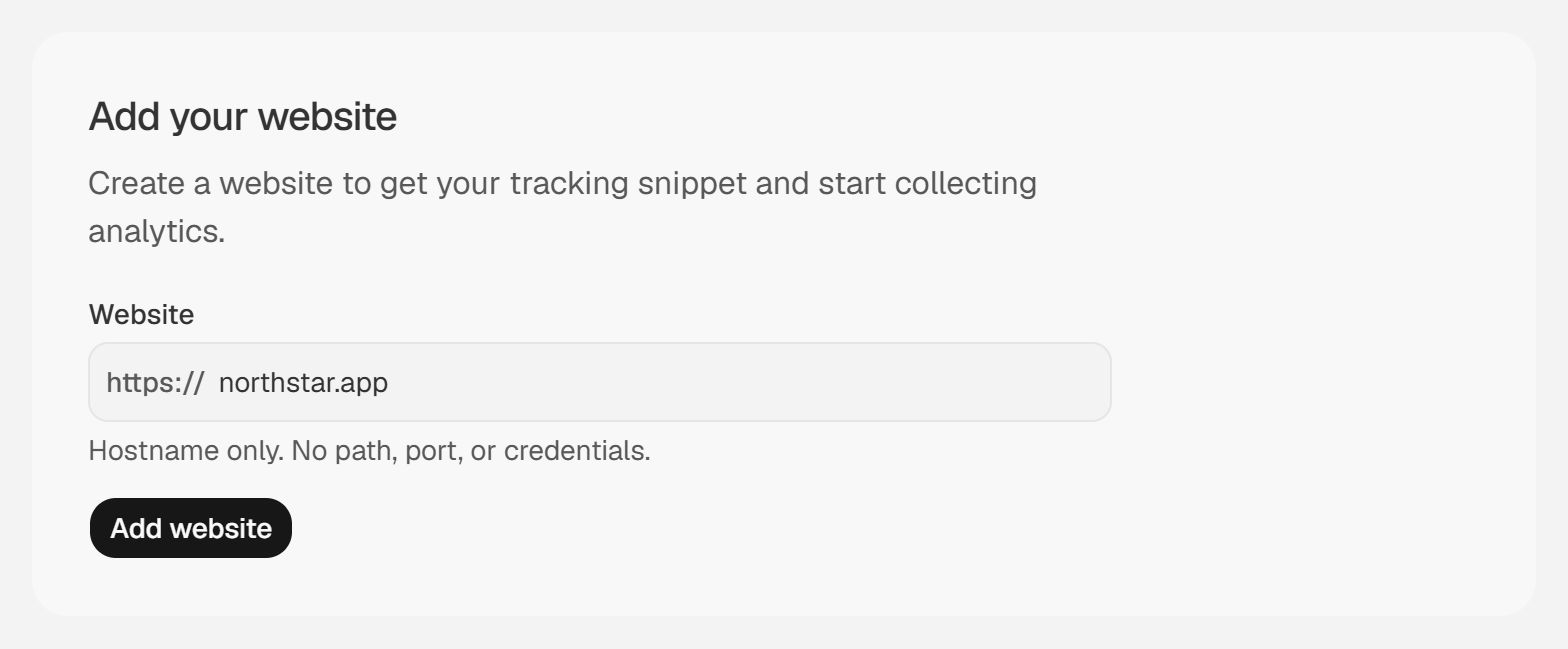
Choose Add Website and enter a registrable root such as northstar.app. Graytower rejects a subdomain such as app.northstar.app; register northstar.app instead. Leave out the protocol, port, and path.
| Enter | Do not enter |
|---|---|
northstar.app | https://northstar.app |
northstar.app | app.northstar.app |
northstar.app | northstar.app/pricing |
Traffic from www.northstar.app, app.northstar.app, and docs.northstar.app can belong to that Website when the tracker is installed there. If you own another root domain, add it under the Website's additional domains when your plan and setup allow it.
 Open full size
Enter the root hostname in the Website field. The form supplies https://; leave the protocol, port, and path out of your entry.
Illustrative sample data.
Website limits
Free allows 1 Website, Starter allows 1 Website; Growth allows 5 Websites. The tracked-event allowance belongs to the Workspace and is shared by its Websites. You can see current capacity in Workspace → Billing.